Add a note to a contact
Save important information about a contact from the Inbox.
Notes let you keep important information about a contact.
Add a note
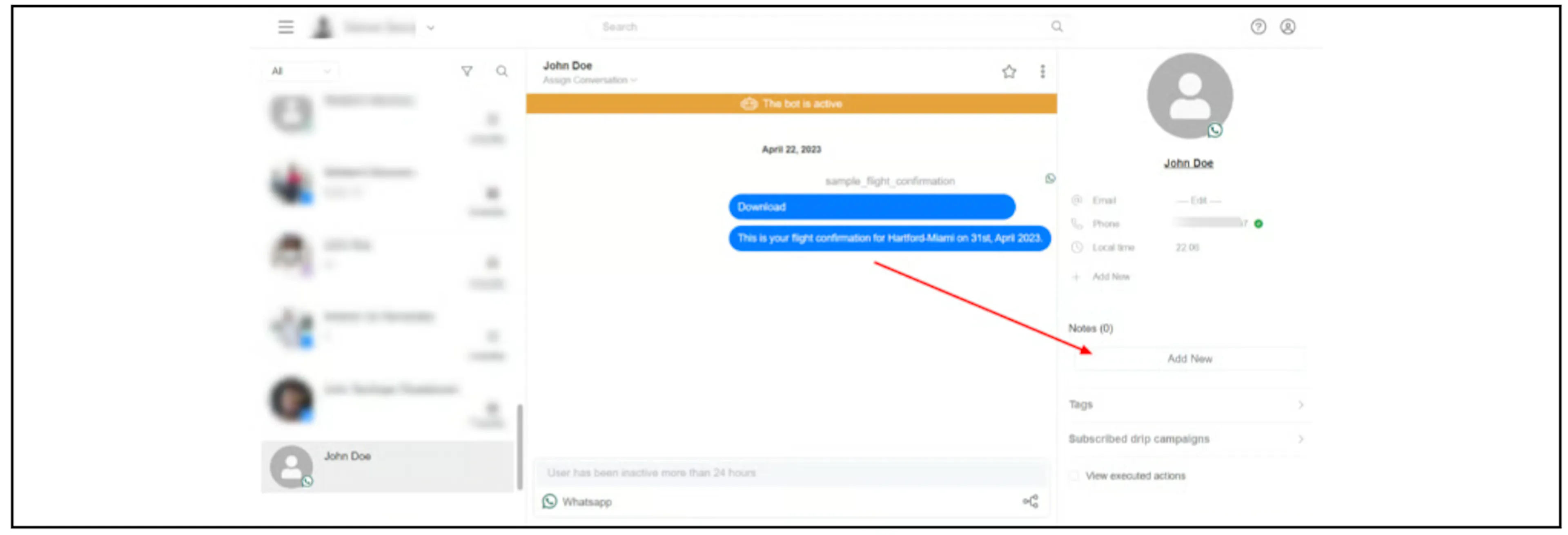
- Open the contact's conversation in the Inbox.
- In the contact panel, find Notes and select Add New.
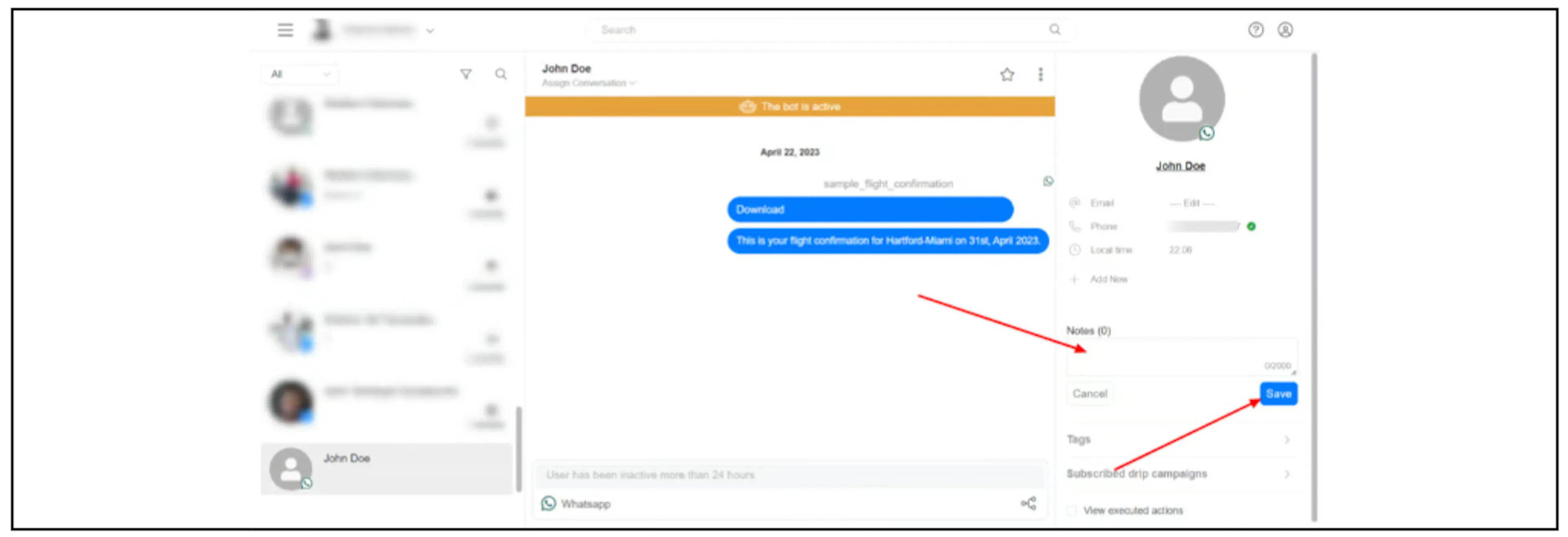
- Enter your note, then select Save.
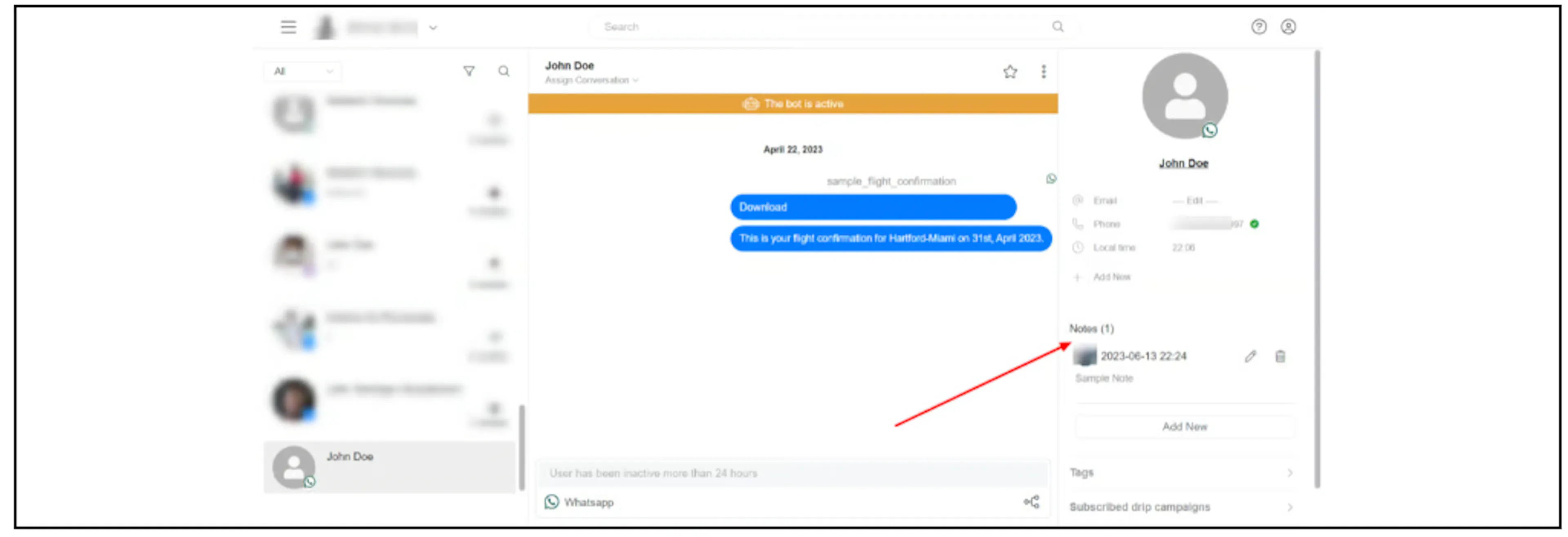
- Check that the saved note appears under Notes.
Related guides
Was this page helpful?