QR code generator
Create a downloadable QR code that opens the intended flow entry link.
Create a QR code for use on printed material or a website. Check that scanning it opens the intended flow before distributing it.
Generate a code
- Open Tools > QR Code Generator.
- Set Image size in pixels.
- Choose the flow or provide its entry link, according to the controls in your account.
- Select Generate, then Download.
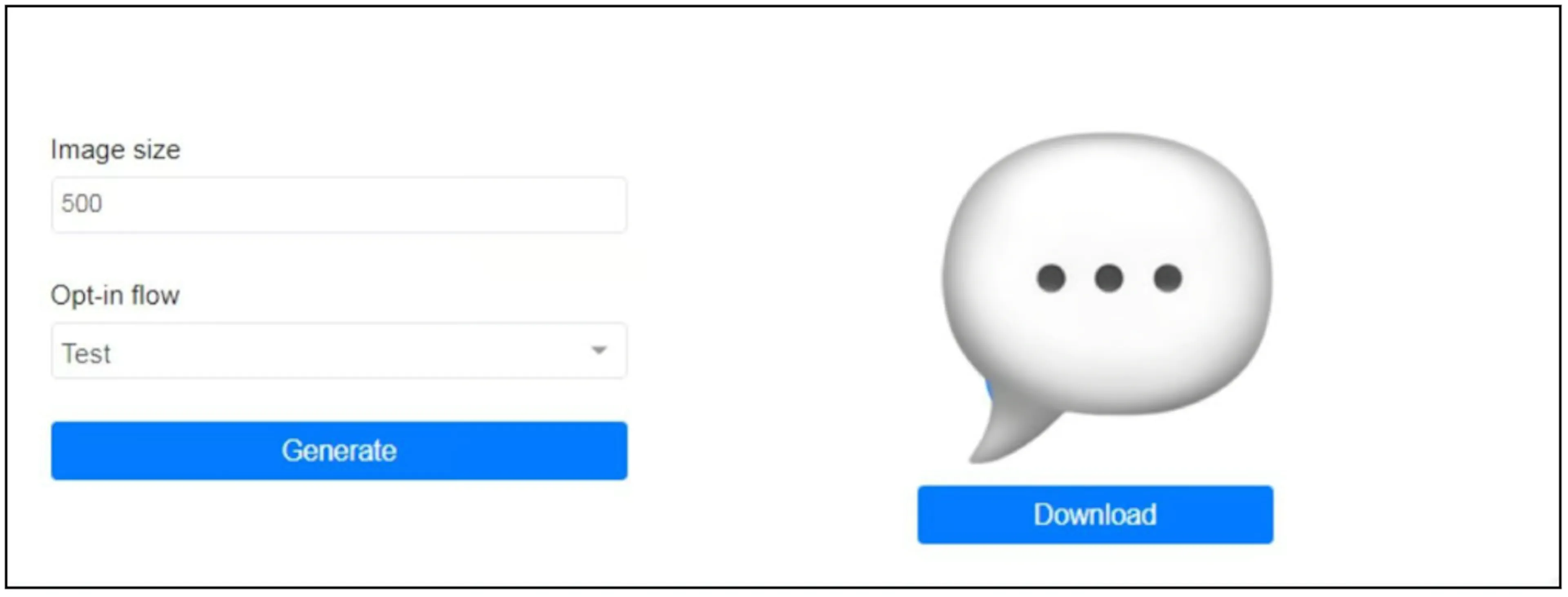
The screenshot shows an Opt-in flow selector. If your interface asks for a Ref URL instead, get it from the flow's menu under Flows. Use the option displayed in your account; contact support if the intended flow or link is unavailable.
Check before printing
Scan the downloaded code on the device and channel your contacts will use. Confirm the destination account, flow and welcome message. Test the printed size as well as the digital image.
The earlier workflow is aimed at Messenger flow entry. Confirm support for another channel before using its link. Scanning a code opens its destination; check the actual flow-entry and subscription result instead of treating the scan itself as a completed opt-in.