WhatsApp template images
Prepare image files for WhatsApp template headers and check their appearance before sending.
File requirements
Meta's supported media types, checked on 19 October 2026, list these image requirements:
| Requirement | Supported value |
|---|---|
| Format | JPEG or PNG. |
| MIME type | image/jpeg or image/png. |
| Maximum file size | 5 MB. |
| Colour mode | 8-bit RGB or RGBA. |
Check the actual file format when an upload fails. Renaming an extension does not convert the image into another format.
Choose a layout and check the preview
The earlier Bual Pro guide used 1146 × 600 pixels, approximately 1.91:1, as a layout example. You can use it as a starting canvas. The current Meta references linked here do not establish that exact pixel size as a requirement for ordinary image-header templates.
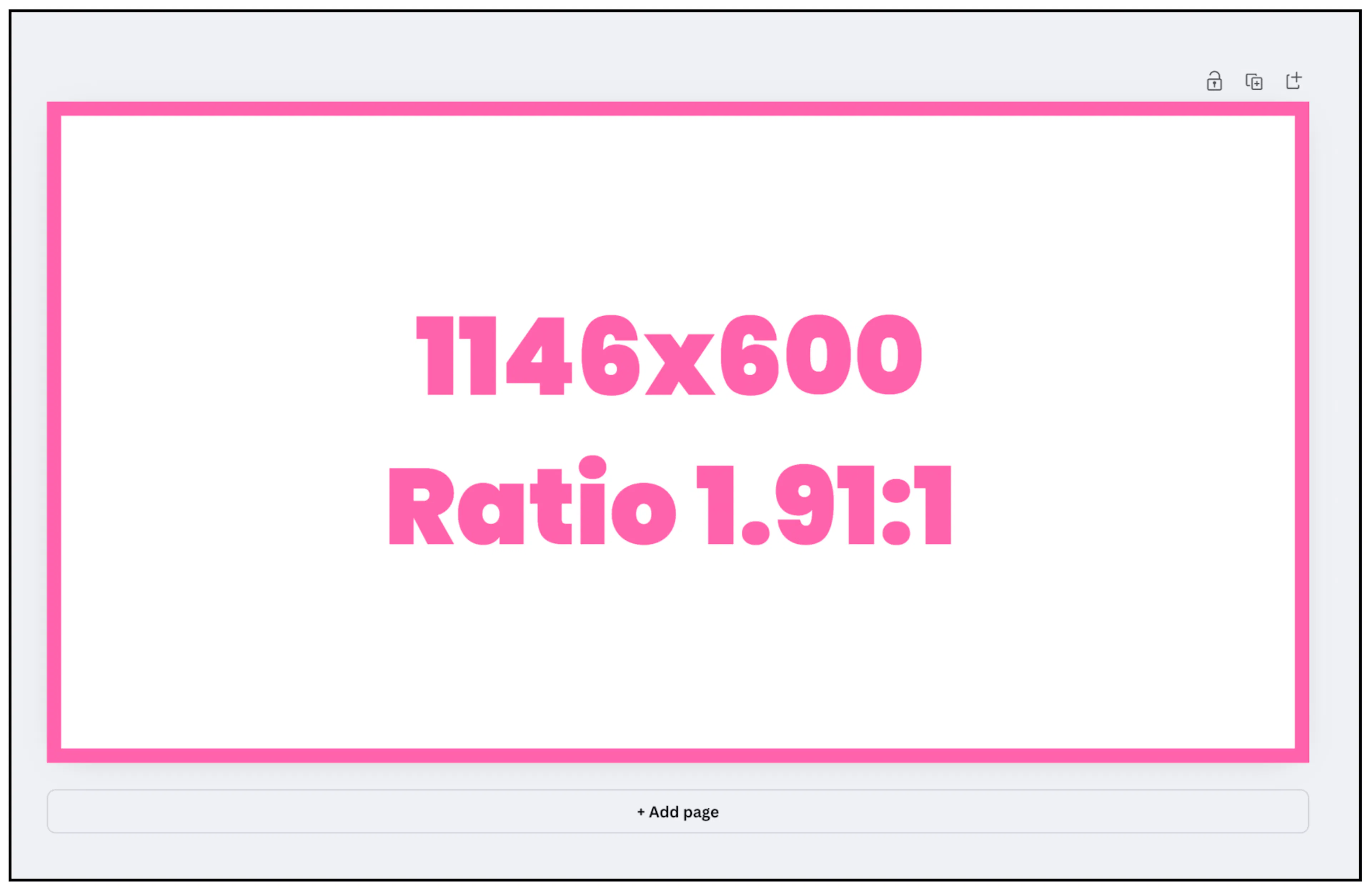
Preview the completed template and check that its text and important visual details remain readable. Keep essential information in the message body as well, so it does not depend on the image alone.
Include sample media for review
When creating a template with an image header, include a sample image for Meta's review. Meta's template-media guide describes media headers, and its review guide explains the required samples.
Check the approved template and its image in the preview before sending a broadcast or sending it from the Inbox.