Filter conversations
Find conversations by handler, assignment, channel, or status.
Use the Inbox filters to narrow the conversation list.
Human or bot conversations
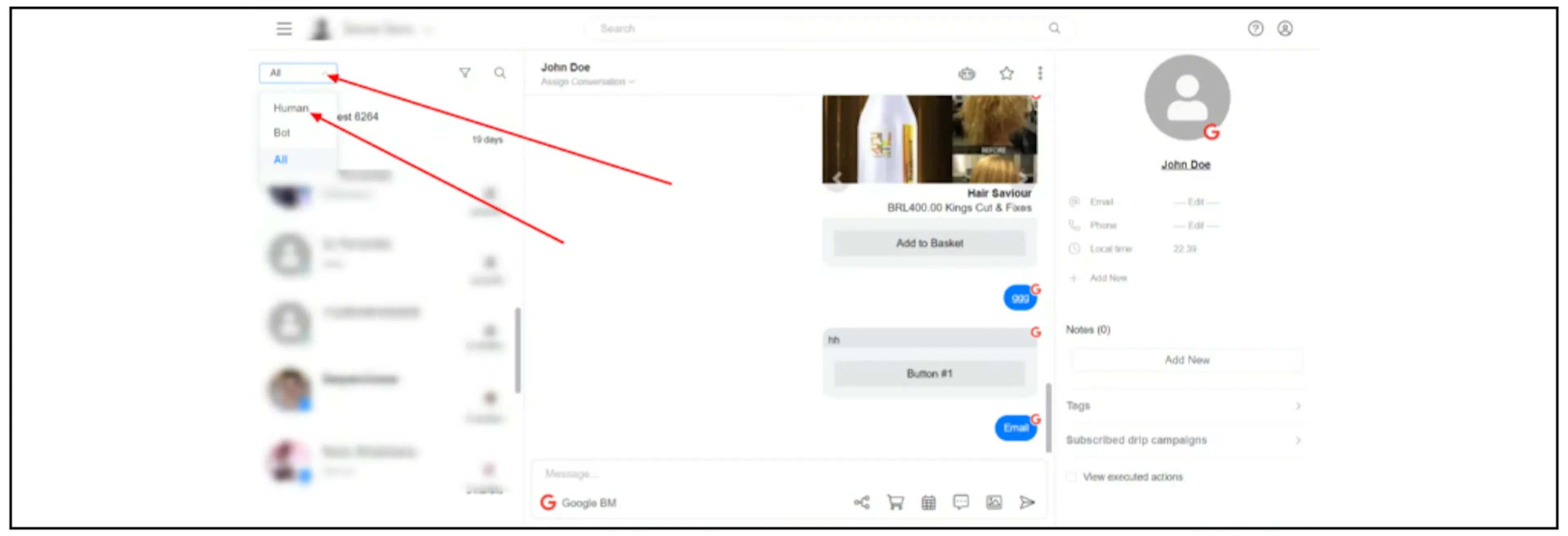
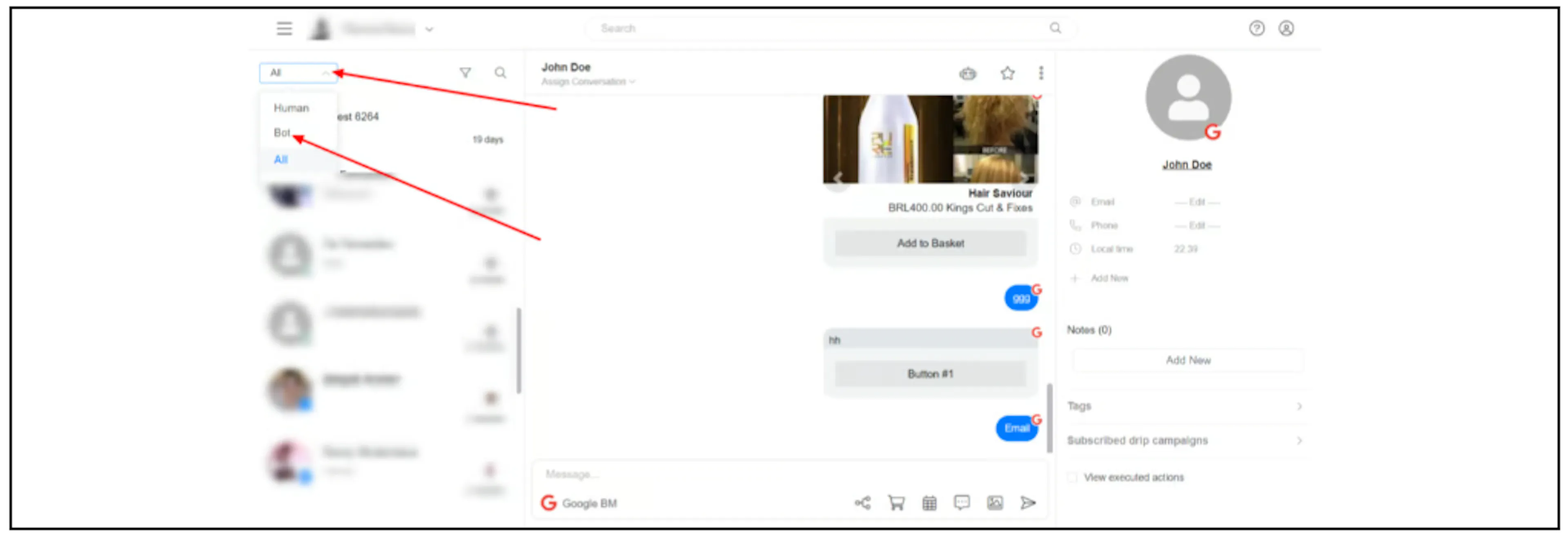
Open the dropdown at the top left of the Inbox. Select Human to see conversations handled by people, or Bot to see conversations handled by the bot.
Assignment
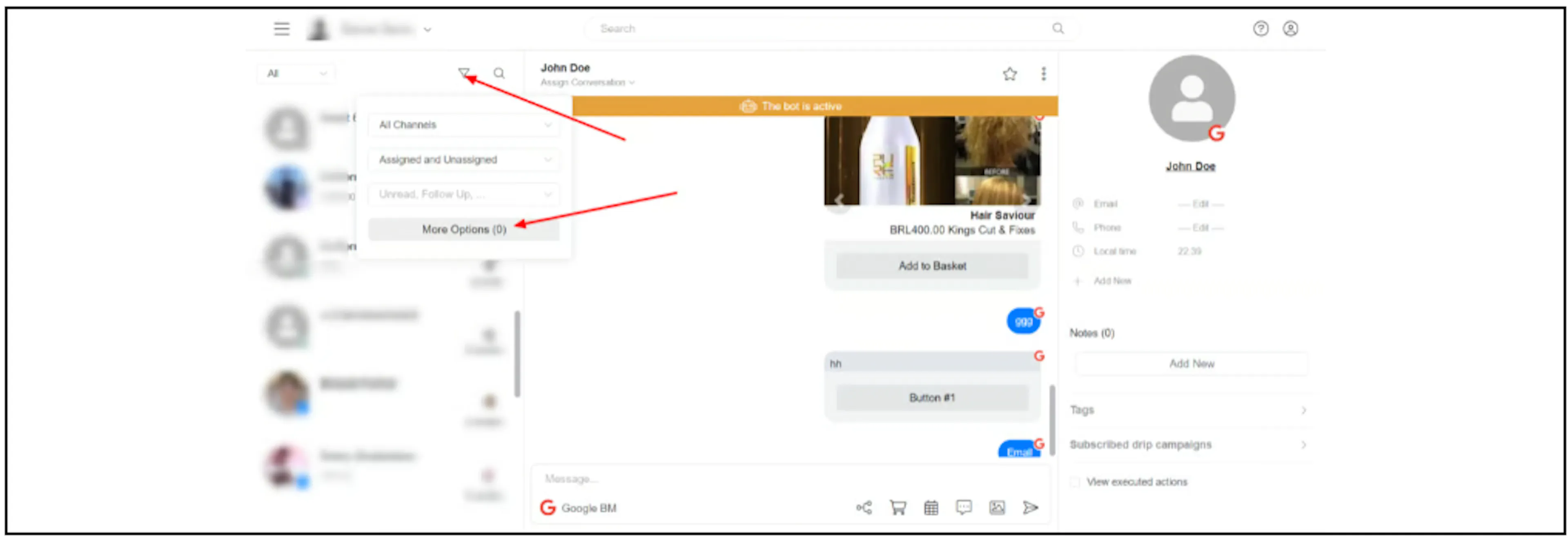
Click the filter icon above the conversation list, then open the assignment dropdown. Choose assigned conversations, unassigned conversations, or a specific admin.
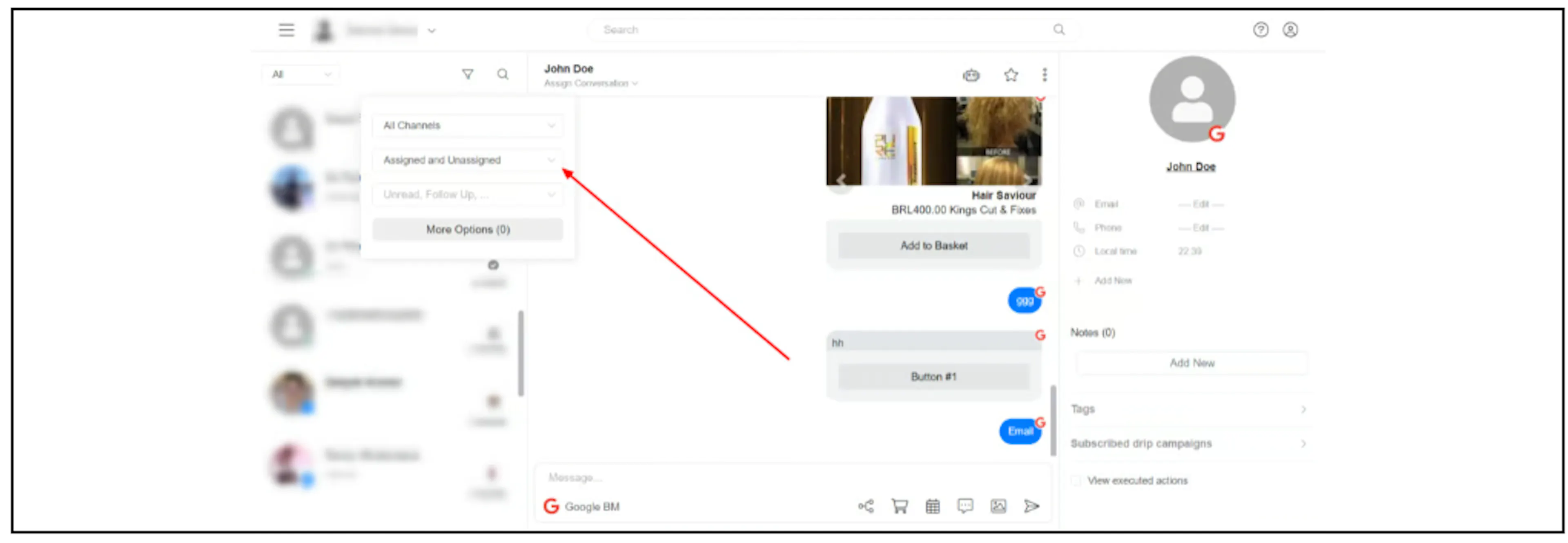
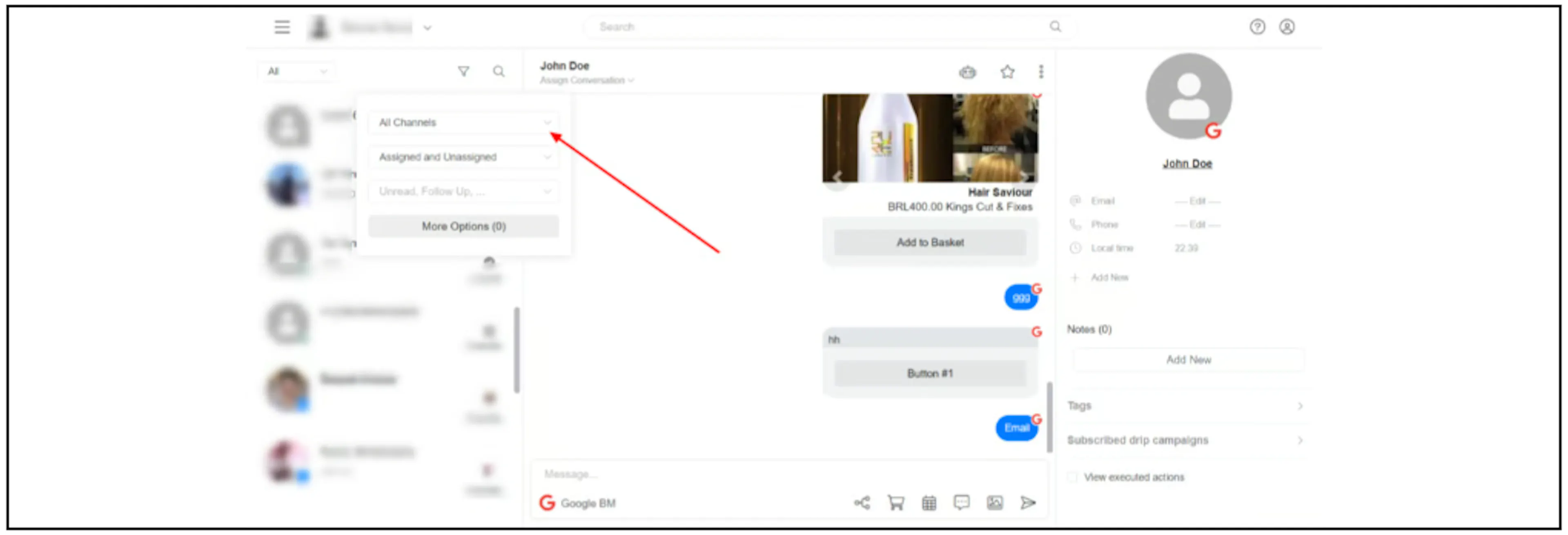
Channel
Click the filter icon and open the channel dropdown to choose a channel.
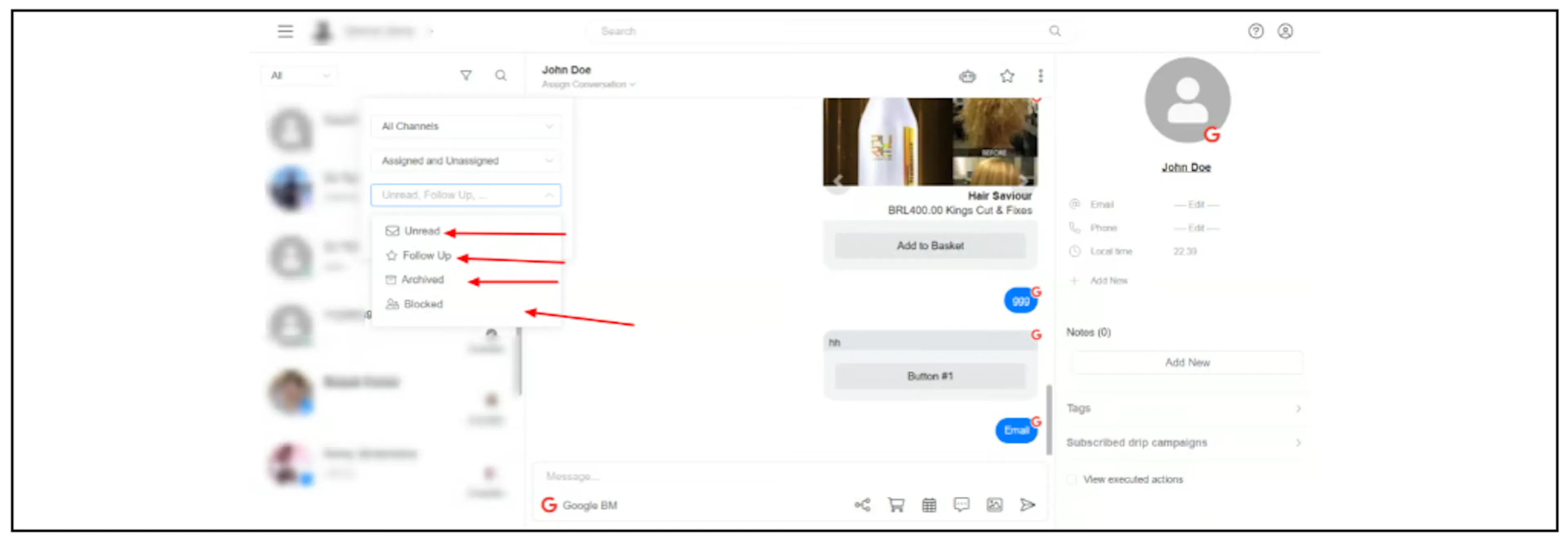
Conversation status
In the filter menu, open the status dropdown. You can filter for unread, follow-up, archived, or blocked conversations.
To mark a conversation for follow-up, see Mark a conversation for follow-up.
More options
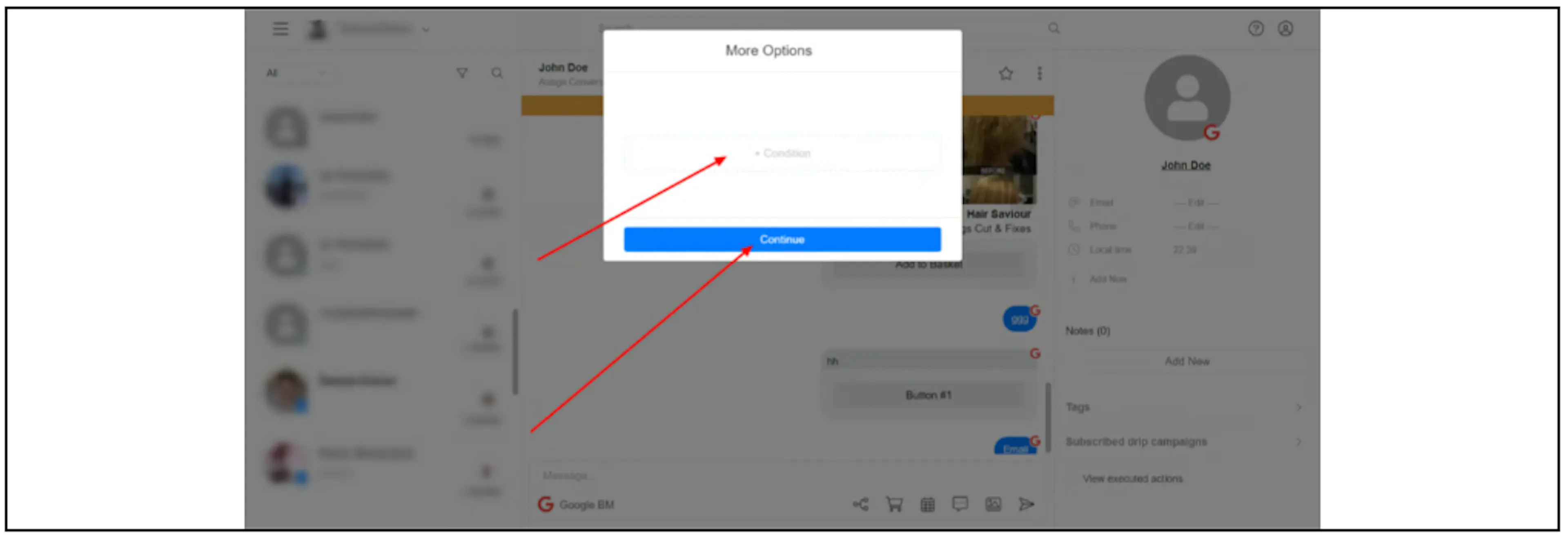
Click More Options in the filter menu, choose a condition, then click Continue.