Send a WhatsApp template from the Inbox
Choose, review, and send a WhatsApp template from a contact's conversation.
Use a template approved by Meta for its intended purpose. Before contacting someone, make sure you have their number and permission to message them. See the WhatsApp Business Messaging Policy.
Open the template picker
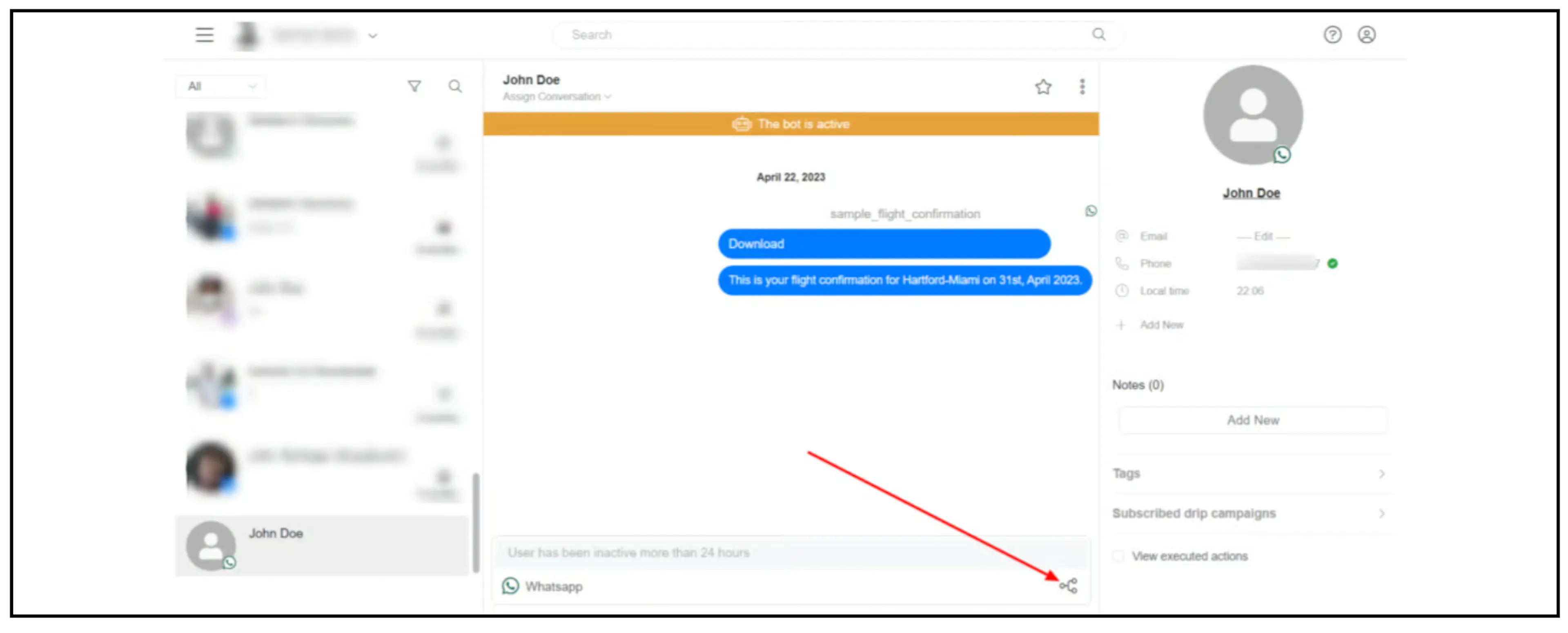
- Open the contact's WhatsApp conversation in the Inbox.
- Click the Send Flow icon below the conversation.
- Select Template Message.
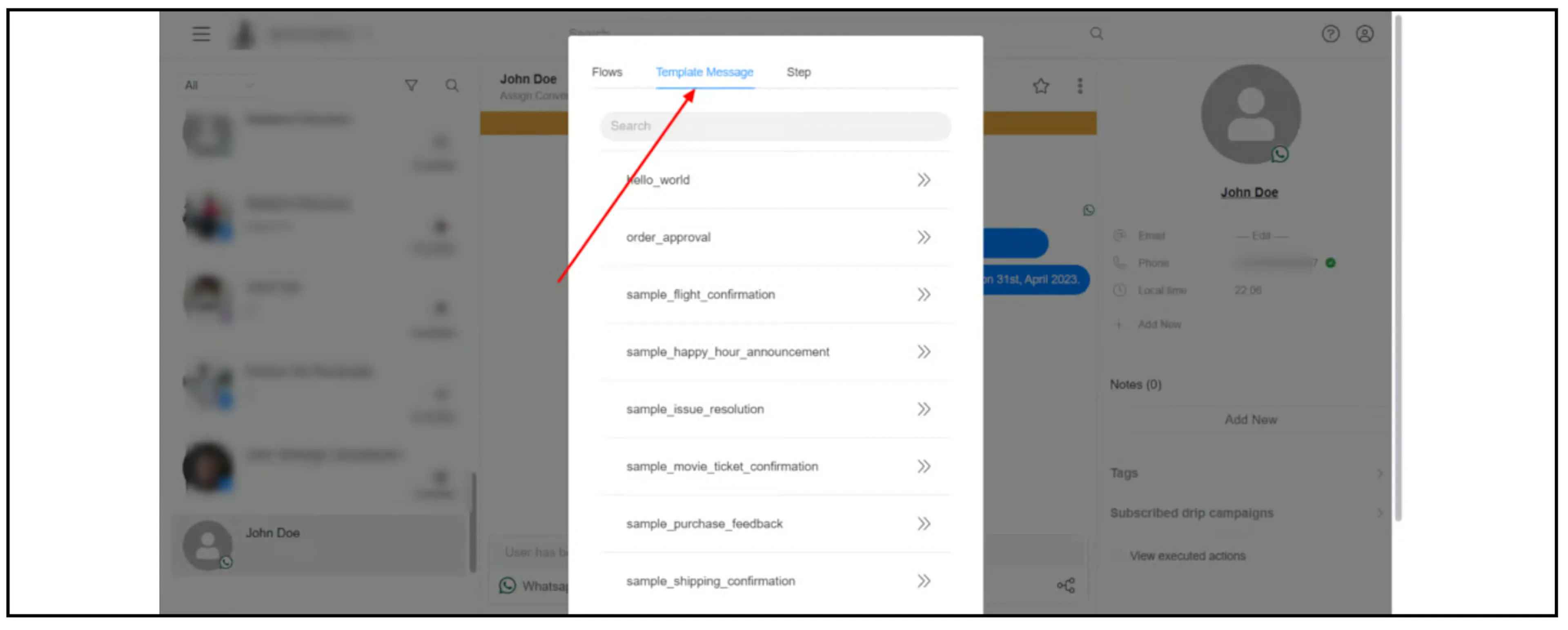
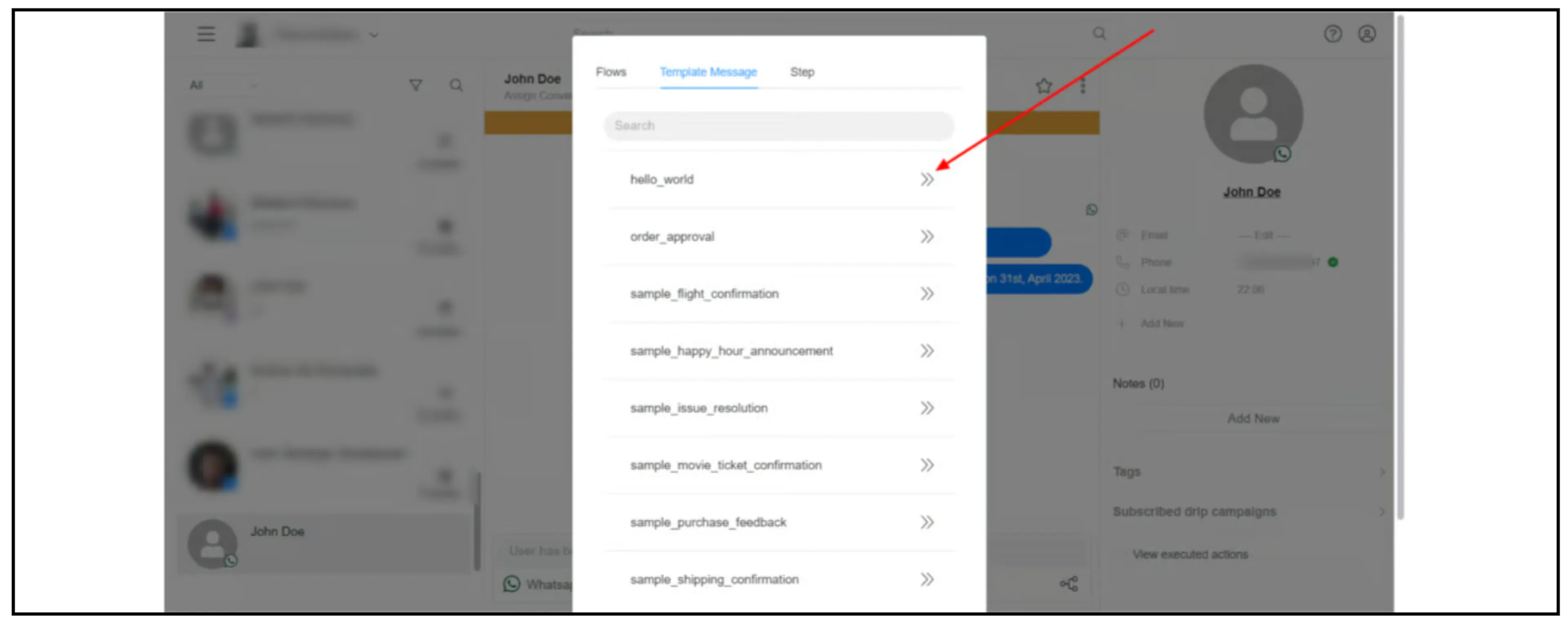
Choose and send the template
Select the WhatsApp template you want to use.
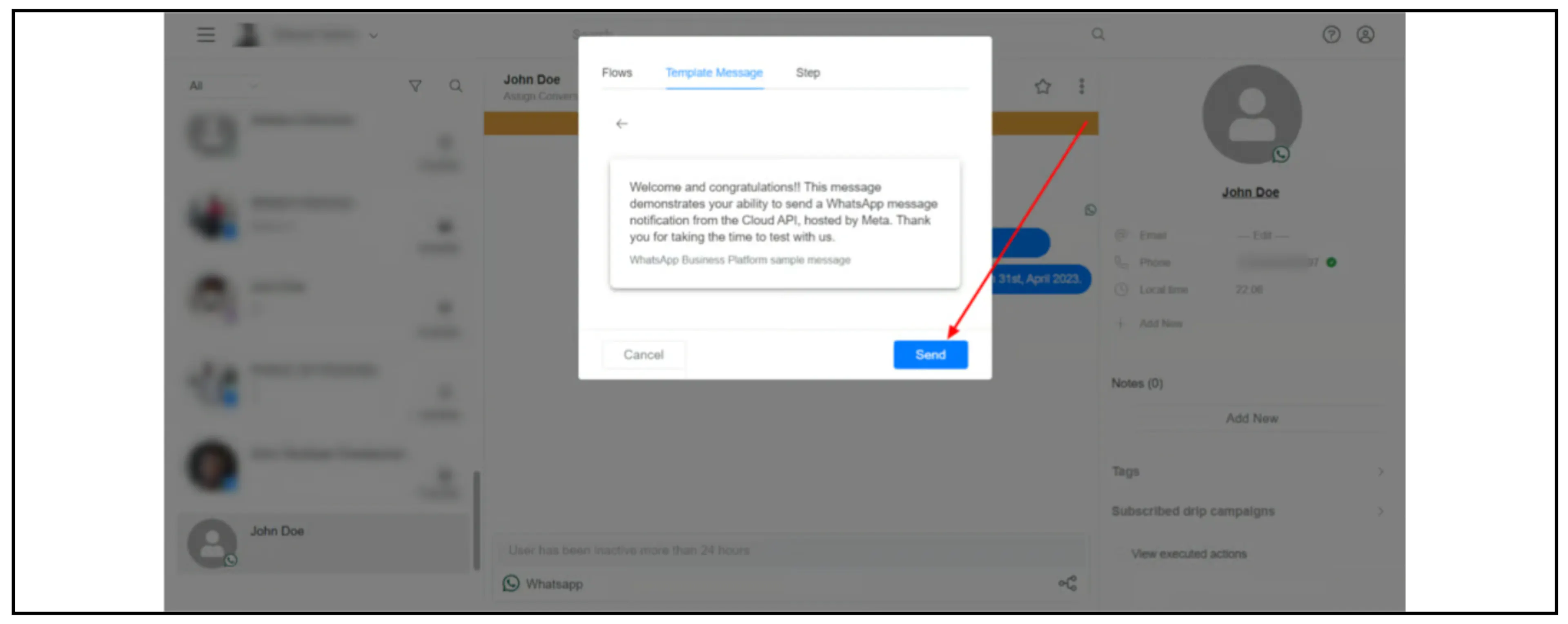
Review the preview and click Send when it is ready.
If an approved template is missing, follow the template-sync steps.
If delivery fails with code 131026, see Message undeliverable.
Was this page helpful?