Use saved replies
Create reusable messages and find them from the Inbox message box.
Saved replies let you keep messages you use often, such as greetings and answers to common questions.
Create a saved reply
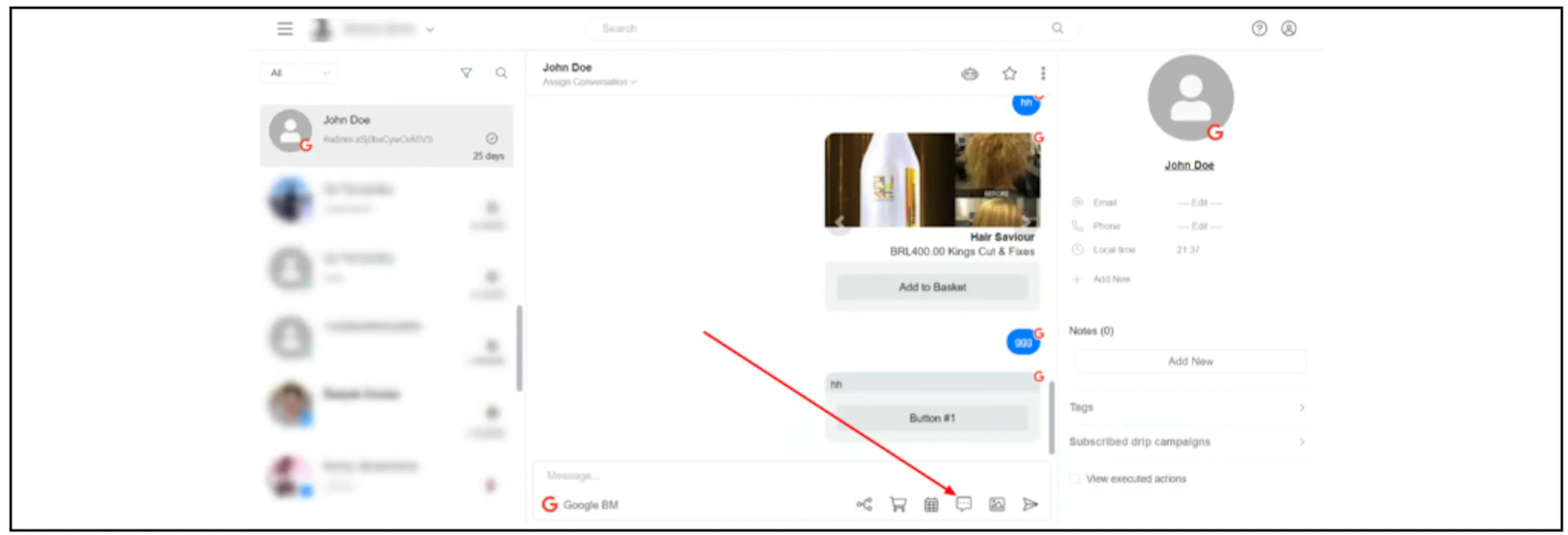
- Select the Saved replies icon below the Inbox message box.
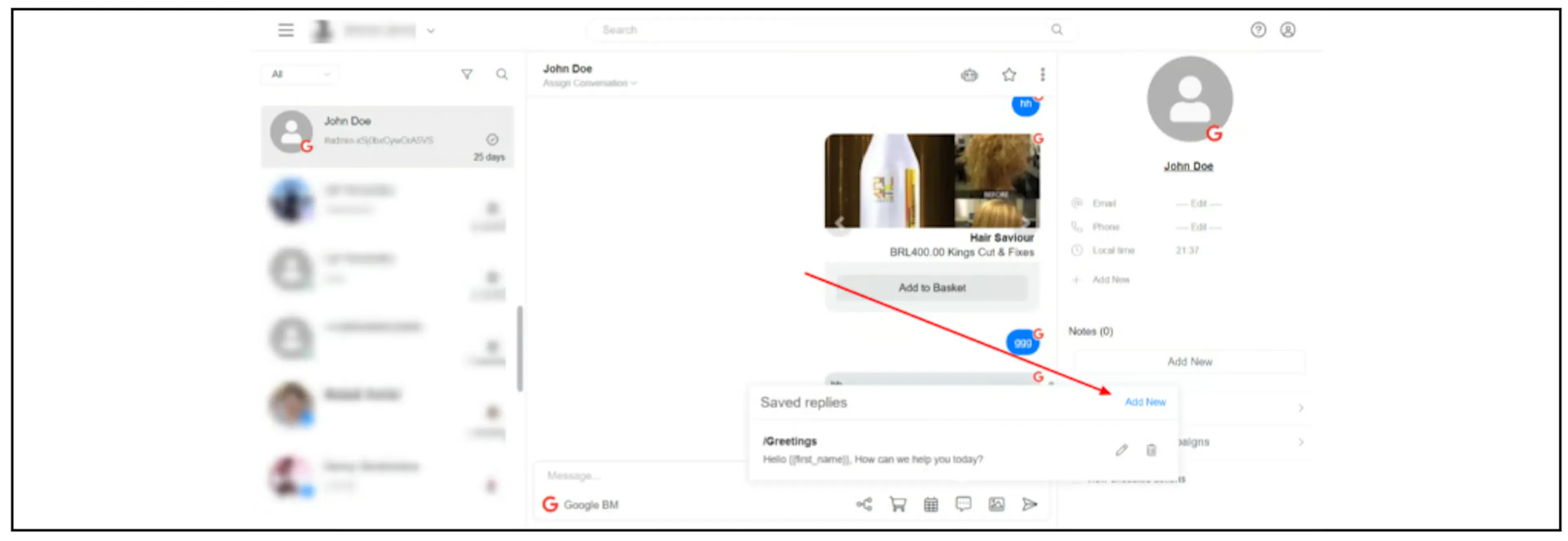
- Select Add New.
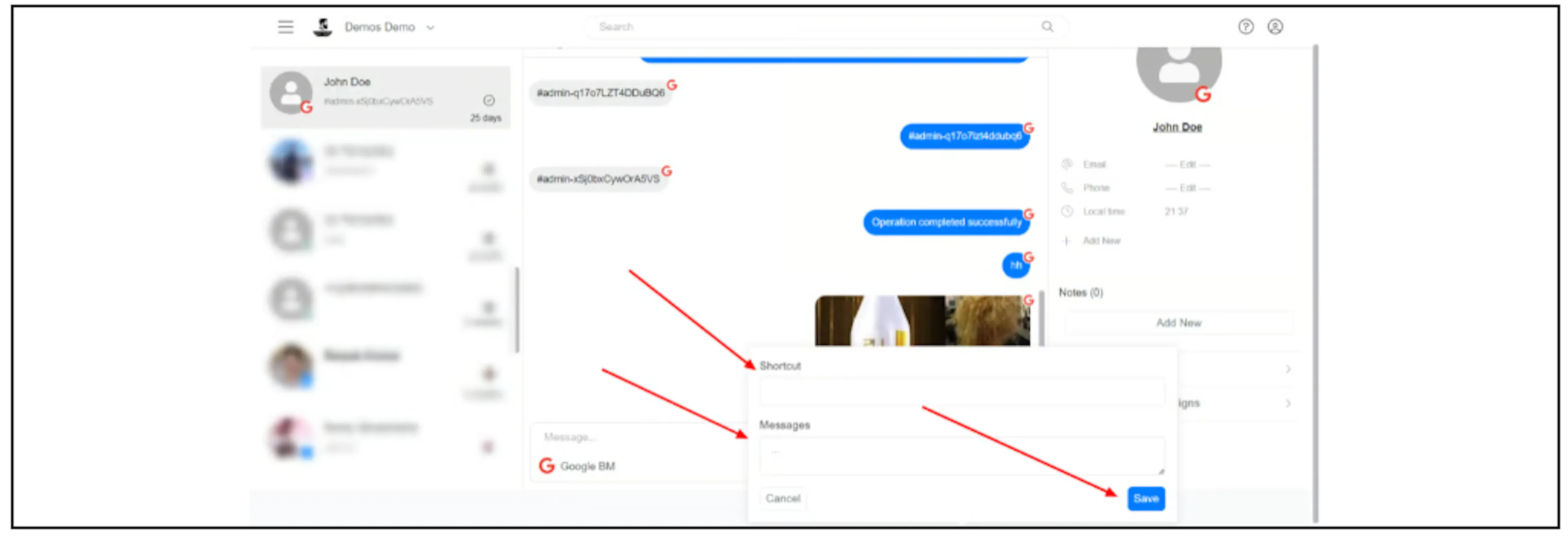
- Fill in Shortcut and Messages, then select Save.
Find saved replies
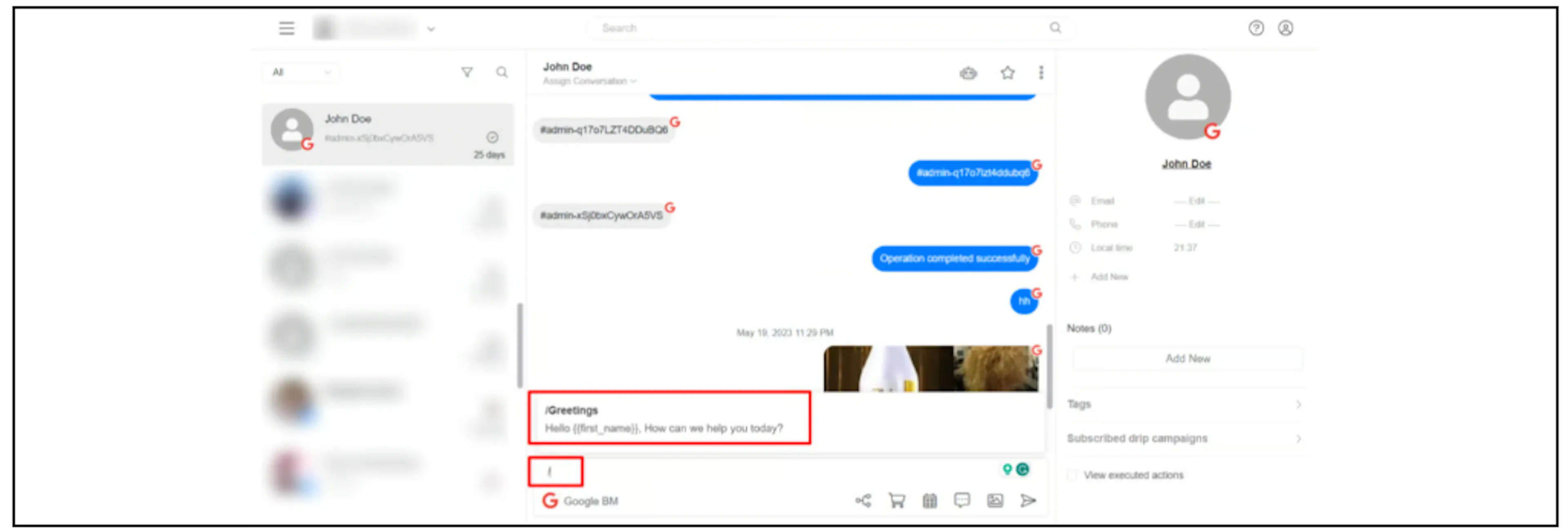
Type a forward slash (/) in the Inbox message box to display all saved replies.
Related guides
Was this page helpful?