Assign a conversation
Assign conversations to an admin or an Inbox Team.
You can assign a conversation to an admin or a team. Create an Inbox Team before assigning conversations to it.
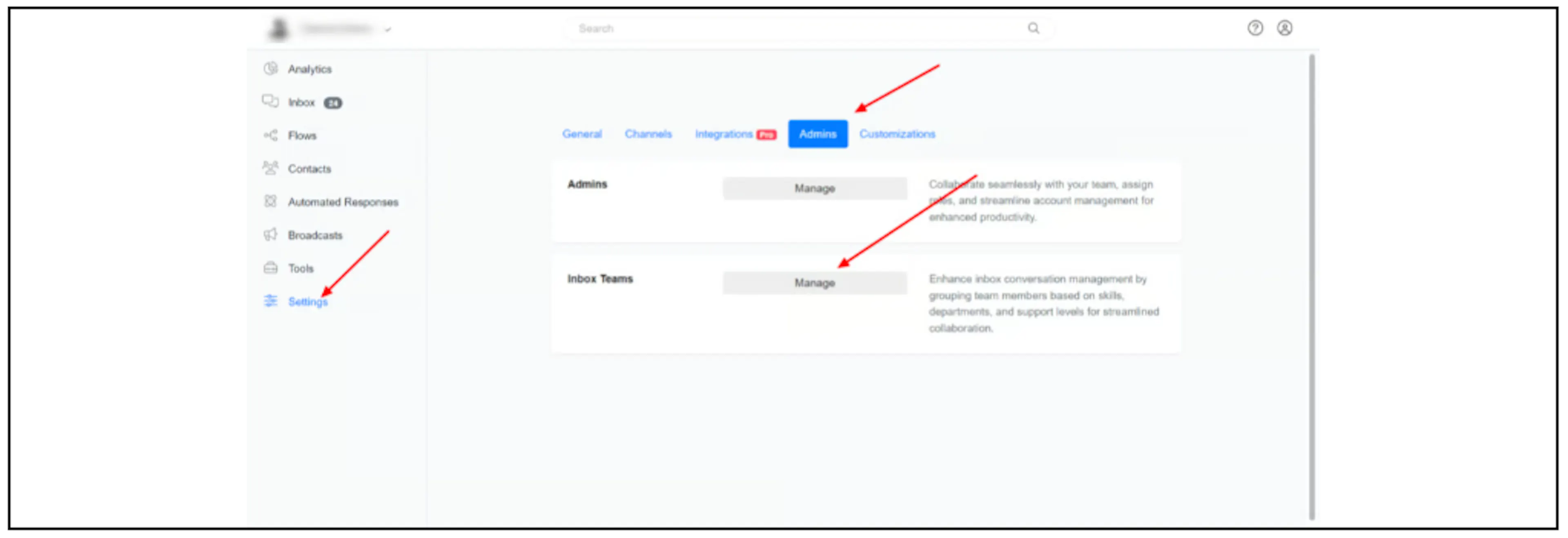
Create an Inbox Team
- Open Settings, then Admins.
- Beside Inbox Teams, click Manage.
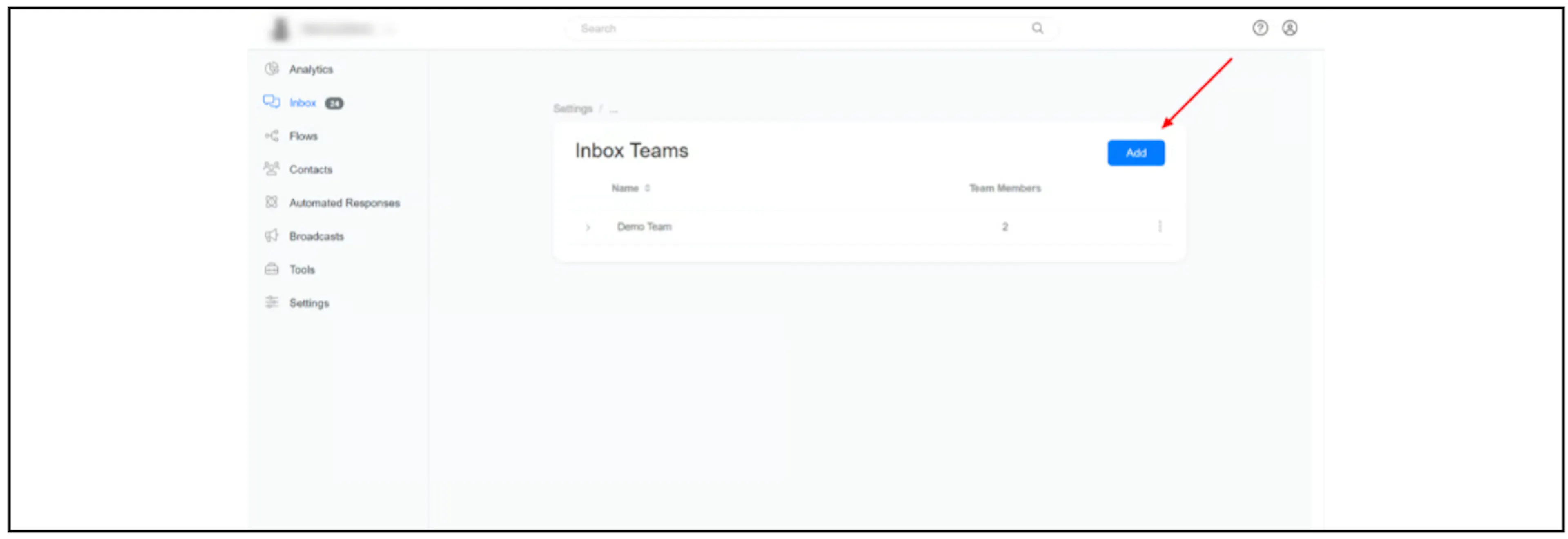
- Click Add, name the team, and select its members.
Assign from the Inbox
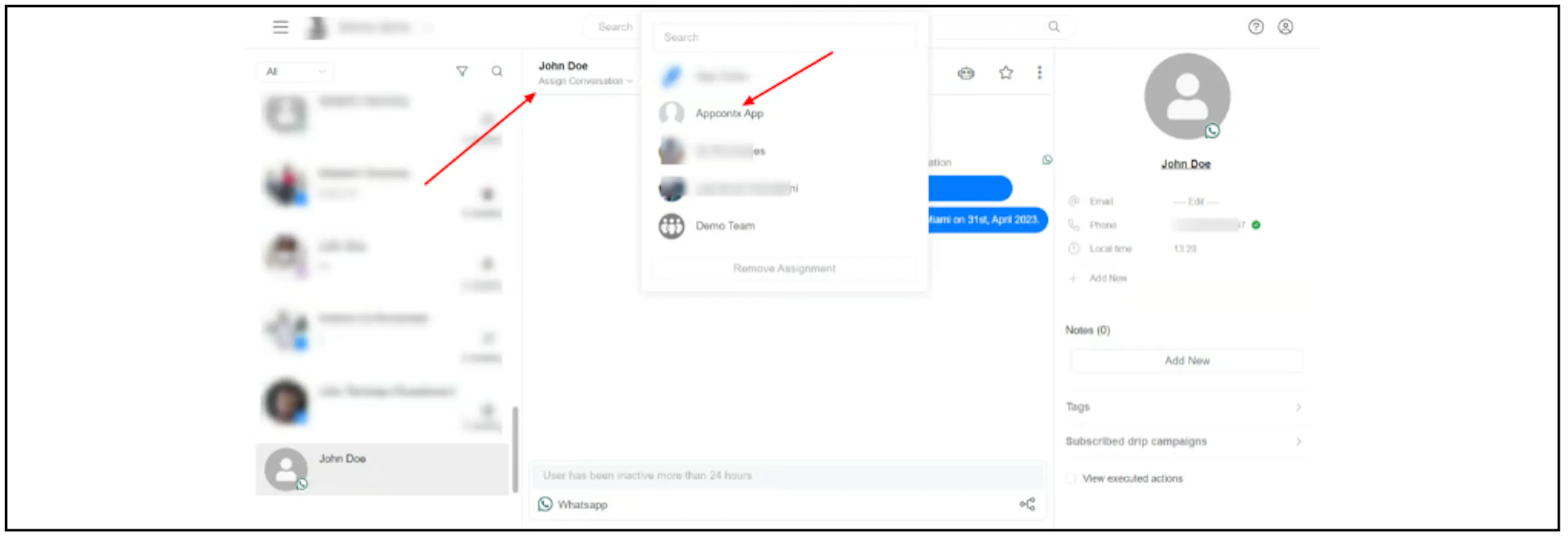
Open the conversation, click Assign Conversation below the contact's name, then select an admin.
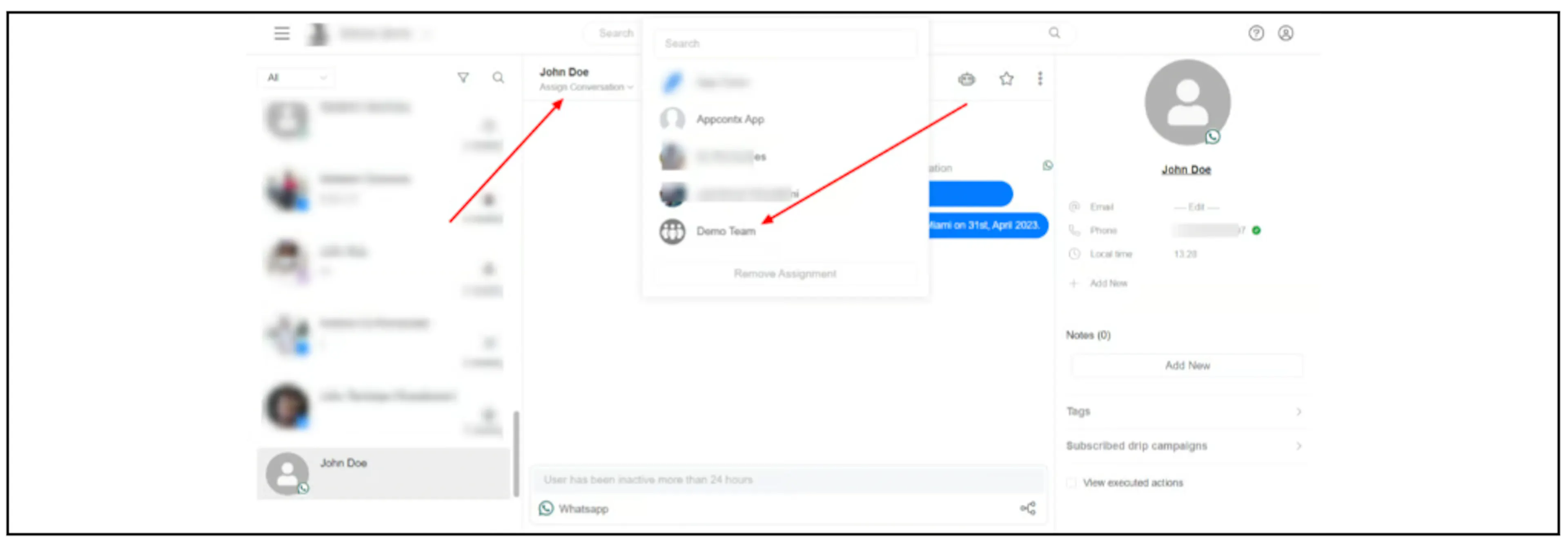
To assign it to a team, select the team from the same menu.
Assign from Flow Builder
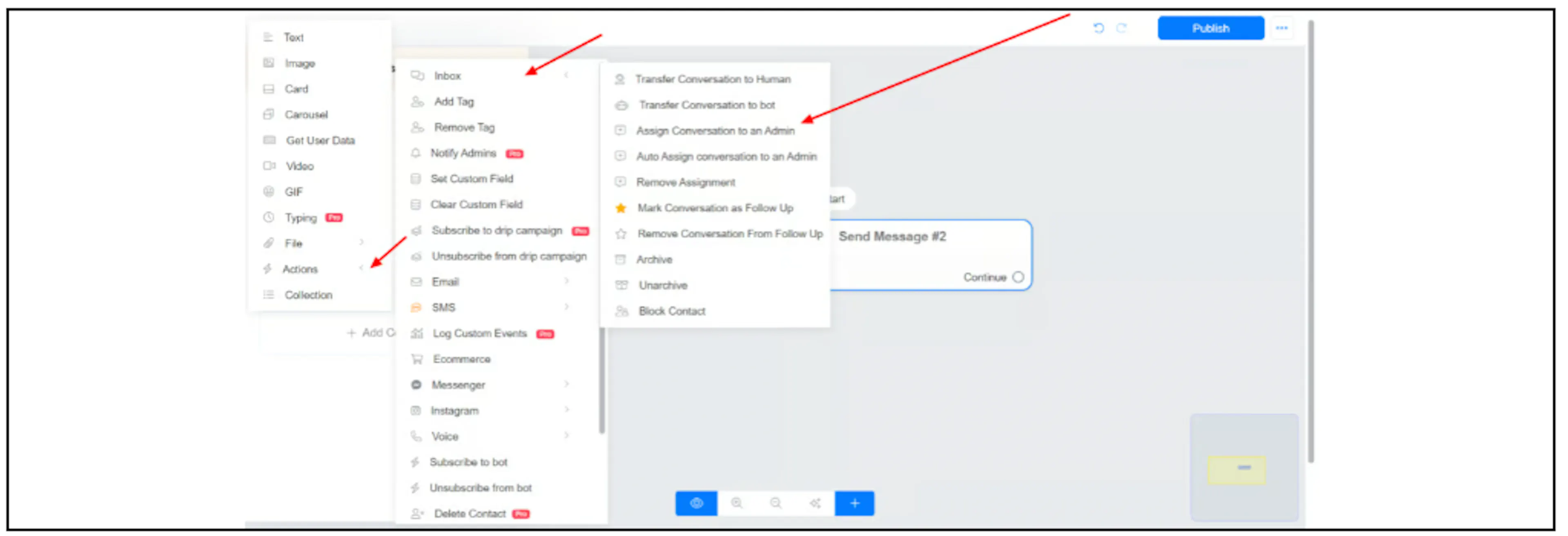
In an Actions block, select Inbox, then Assign Conversation to an Admin.
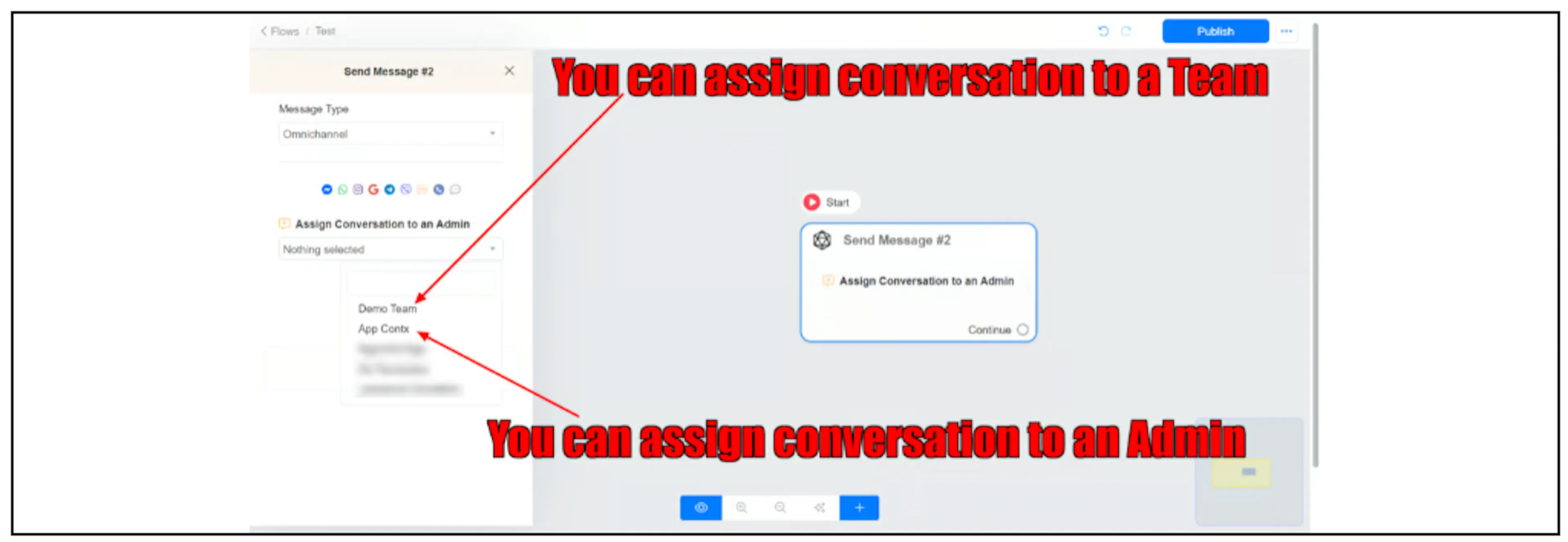
In the action's settings, select the admin or team that should receive the conversation.
Was this page helpful?